TikTok Product Video Template
The TikTok Product Video Template turns one product photo into a vertical 8-second hook: a fast whip-pan lands on a hero close-up of your product against a colorful gradient, light flashes sweep across it, and the camera settles into a slow drift so the product reads clearly at the end. It runs on Veo 3.1 in 9:16 with sound and costs 13 credits (about $0.69). Add captions and music in the app, then post to TikTok Shop, Reels or Shorts.
Updated 2026-10-29 · Kensa team
Example made with this template
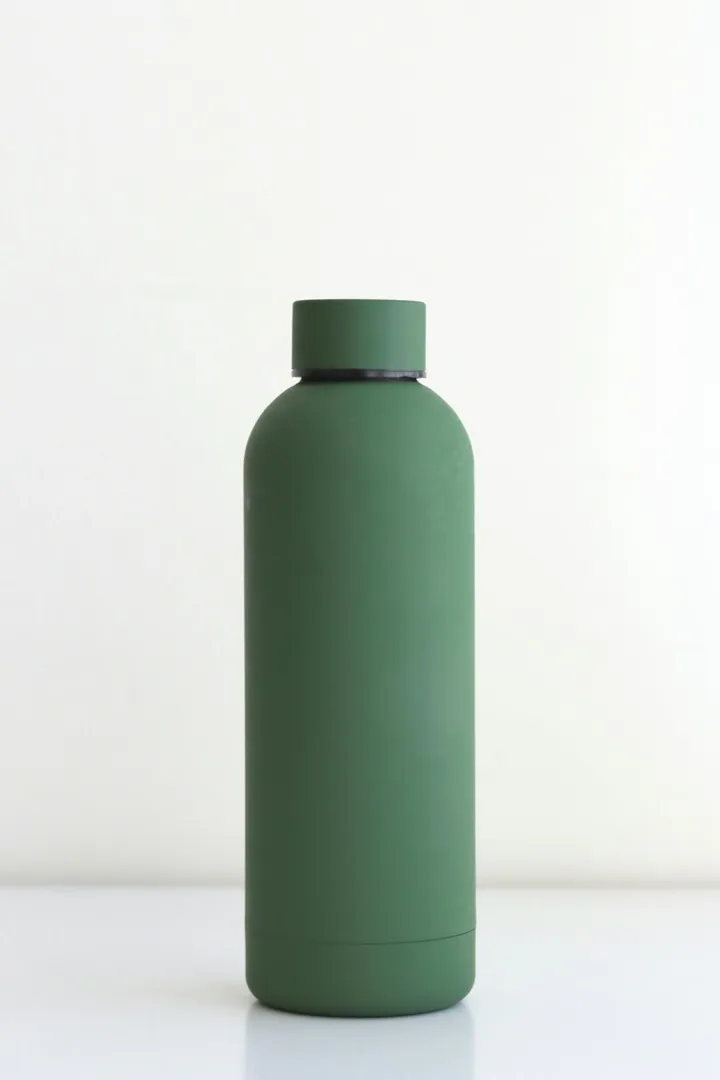
Input photo
Which photo works best?
Use a crisp photo of the product alone on a plain background, filling most of the frame, with the label facing the camera. The opening move is fast, so a sharp, well-lit photo helps the product stay recognizable. Keep hands and people out of the photo: the video models reject photos of real people.
How do I use the TikTok Product Video Template?
- 1
Open the template
Click “Use this template”. The image-to-video page opens with the hook prompt, model, length and vertical aspect ratio already set.
- 2
Upload your product photo
Add one sharp photo of the product. The clip is built from it, so the product's shape, colors and label come from this photo.
- 3
Pick your backdrop colors
Optionally replace “colorful gradient backdrop” in the prompt with your brand colors, such as “coral-to-violet gradient backdrop”, so the clip matches the rest of your feed.
- 4
Generate, then finish it in the app
Generate and download the MP4, then add your caption, price or offer text and music in the app you post from.
How can I make it my own?
- Your hook is the first second: the whip-pan is there to stop the scroll, so put your strongest caption on screen over it.
- Use the slow final seconds as your cover frame; that is where the product is sharpest.
- Want a calmer look? Replace “Fast whip-pan” with “Quick push-in” and remove the sentence about light flashes.
- Make two or three versions with different gradient colors and see which one holds viewers longer before you put ad money behind one.
What prompt does this template use?
This is the prompt filled into the generator. Edit it freely before you generate.
Fast whip-pan into a hero close-up of the product from the photo, set against a bold, colorful gradient backdrop. Quick flashes of light sweep across the product in the first second, then the camera slows into a smooth, gentle drift so the whole product is sharp and clearly readable in the final frames. Keep the product's shape, colors and label exactly as in the photo. Punchy, high-energy vertical ad look. Do not add any text or logos. No people.
Frequently asked questions
Is this an official TikTok template?
No. Kensa isn't affiliated with TikTok; the name only says where the clip is meant to go. The result is a regular vertical MP4, so it works anywhere that takes vertical video, including Reels and Shorts.
Why doesn't the video include captions or my price?
Video models often misspell or warp on-screen text, so the template keeps text out of the clip. Add captions, prices and offers in the app or your editor, where you can change them without generating again.
Will my label be readable during the fast opening?
Probably not in the first second: the whip-pan and light flashes blur the frame on purpose. The prompt ends on a slow drift so the product and large lettering are clear in the final frames. Small print can still blur or shift, so check the end of the clip before you post.
Can I run the clip as a paid ad?
Commercial use depends on your plan; the pricing page lists which plans and packs include a commercial license. Also check the ad platform's own rules for AI-generated content.
Can I make it longer than 8 seconds?
Not in one clip: Veo 3.1 makes 8-second videos. For a longer ad, generate a few clips (for example, this hook and a product turn) and join them in the app or your editor.
Related templates
- Product Video TemplateYour product turning on a studio turntable, in widescreen 16:9 for listings.
- Black Friday Video TemplateYour product on a black pedestal under sweeping spotlights and confetti, vertical 9:16.
- Unboxing Video TemplateYour closed box opens on its own as soft light spills out, in vertical 9:16.