AI Snow Globe Video Template
An AI snow globe video shows a pet, product or place sealed inside a glass snow globe while snow falls around it. Gemini or ChatGPT can turn your photo into a still snow globe picture; this template makes the moving version from one photo of your pet or product: the camera pulls back to reveal it inside a globe on a wooden mantel. It runs on Veo 3.1 in 9:16 with sound and costs 13 credits (about $0.69). Photos of people are not accepted.
Updated 2026-11-16 · Alex Xu, founder of Kensa
Example made with this template
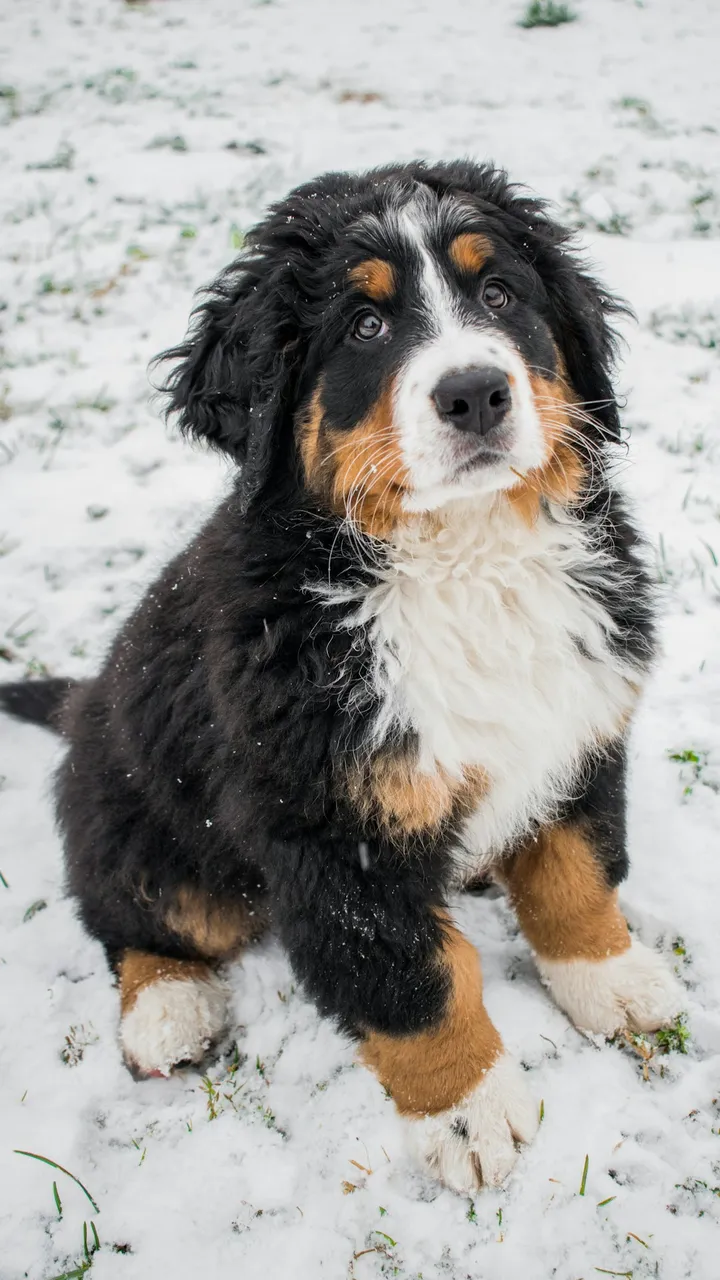
Input photo
Does it work with a product photo?
Yes, with a close-up. We ran the same prompt on a photo of an unlabeled perfume bottle, cropped so the bottle fills most of the frame. It kept its clear glass, black cap and pale liquid, and the white fur it stood on became a snowy mound inside the globe. Through the curved glass its body looks a little squarer, and snowflakes settle on the cap. A wider photo of the same bottle came back with a different bottle. Using the clip in ads depends on your plan: the pricing page lists which plans and packs include a commercial license.
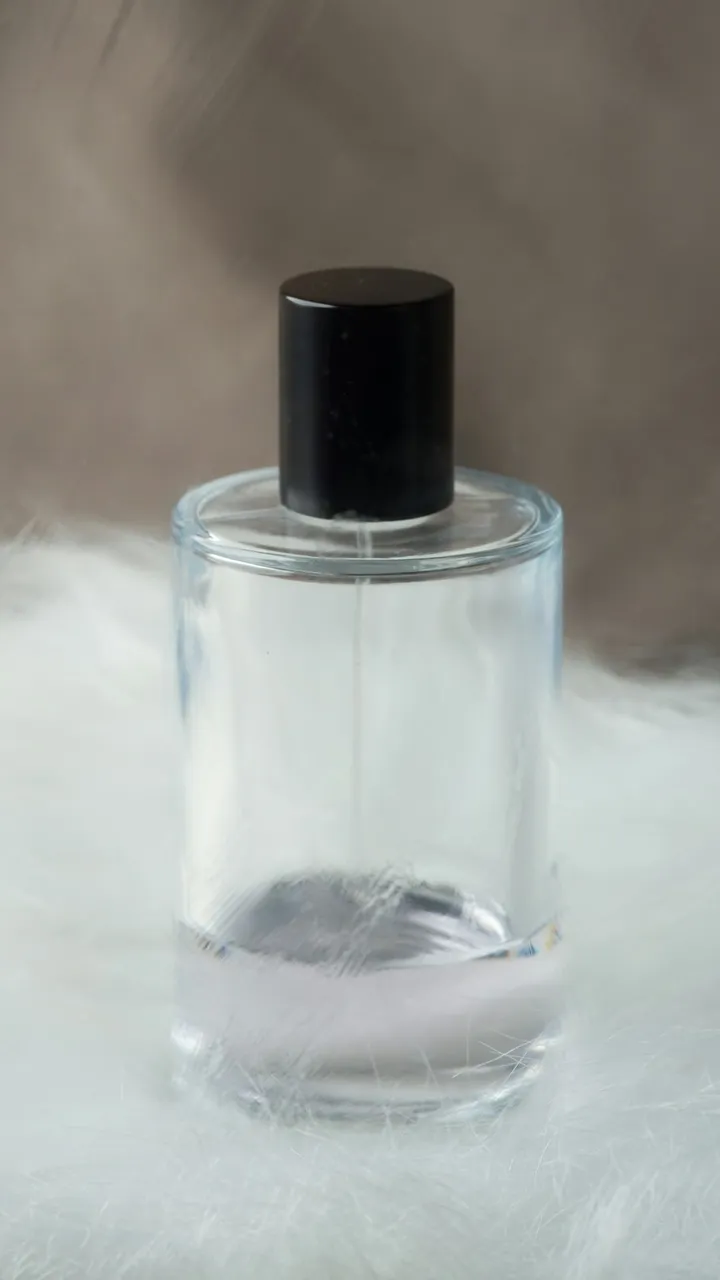
Input photo
Which photo works best?
Use a sharp photo in which your pet or product fills most of the frame: your pet on its own, or one product shot up close. The clip treats your photo as a close-up seen through the glass, and in our tests a wide photo with a small bottle in it came back with a different bottle. Leave people and hands out of the photo: Veo 3.1, the model this template uses, doesn't accept photos of real people.
How do I use the AI Snow Globe Video Template?
- 1
Upload your photo
Drop a photo of your pet or product into the upload box above, or click “Use this template” and upload it on the image-to-video page. The snow globe prompt, model, length and vertical aspect ratio are filled in for you.
- 2
Change the setting if you like
The prompt puts the globe on a wooden fireplace mantel under fairy lights. To swap the mantel for a windowsill, a bookshelf or a shop counter, edit only “on a wooden fireplace mantel” at the end of the second sentence; the lights are in the third sentence if you want another color. Keep everything else, including the lines that rule out hands and text.
- 3
Generate and check
Generate the clip and check three things: your pet or product still looks like yours, the globe is round and clear, and no hand or lettering appears. Regenerate if one of them is off.
- 4
Download and share
Download the MP4 and post it as a Reel, Short or TikTok, or send it to family as a holiday card.
How can I make it my own?
- Keep the start of the prompt as it is. In our tests, the first sentence (your photo is a close-up seen through the glass) and “no cuts, fades or dissolves” are what made the camera really pull back; a shorter version faded the photo into the globe instead, leaving a ghost of the puppy's head.
- Don't ask the globe to shake. When an earlier version of the prompt did, a human hand reached into the frame in one of our test clips, so the prompt now keeps the globe still and lets the snow swirl on its own.
- If the pet in the globe drifts from your photo, name its colors in the prompt, for example “a black, white and tan puppy”. For a product, name the material, such as a glass bottle or a ceramic mug.
- Add a caption like “Merry Christmas” in your editor afterwards: the prompt rules out text because generated lettering on the base often comes out garbled.
- Snow globe or ornament? A globe on a mantel with snow falling inside is this template; a clear glass bauble hanging on a lit Christmas tree is the AI Christmas Ornament Video Template.
What prompt does this template use?
This is the prompt filled into the generator. Edit it freely before you generate.
The first frame is a close-up of the pet or product from the photo, seen through the glass of a snow globe. In one continuous shot with no cuts, fades or dissolves, the camera slowly dollies back: the curved glass and its reflections come into view around the subject, then the whole perfectly round, clear glass snow globe appears, standing on a plain round wooden base on a wooden fireplace mantel. The globe stays still while fine snow swirls up around the subject inside the glass and slowly settles, and warm fairy lights glow in soft bokeh behind the globe. Keep the subject exactly as in the photo: the same fur, markings and face for a pet, the same shape, colors and label for a product. A quiet music-box tune plays. No people, no human hands or arms anywhere in the frame, no other animals. No text, letters or logos.
Frequently asked questions
What is the AI snow globe trend?
It's a holiday format in which a pet, a product or a person appears sealed inside a glass snow globe. The still version is a picture made by giving an AI image tool such as Gemini or ChatGPT a photo and a snow globe prompt. The video version adds motion: the camera reveals the globe and the snow falls. This template makes the video version from a photo of your pet or product.
How is this different from a Gemini or ChatGPT snow globe picture?
A snow globe picture from Gemini or ChatGPT is a still image. This template gives you an 8-second vertical video with sound: it starts on your own photo and pulls back to the globe while snow falls, so it works as a Reel, Short or TikTok. You can also upload a snow globe picture you already made, as long as no person is in it, but we haven't tested that: the first two sentences of the prompt describe a new globe appearing around your subject, so rewrite both to say the globe is already in the photo.
Can I put myself or my family in the snow globe?
Not with this template. Veo 3.1, the model it uses, doesn't accept photos of real people on Kensa, so this template is built for pets and products. For a family card, use a photo of your pet, or of an object that means something to you, such as an ornament or a gift.
What went wrong in your tests?
We made six test clips on November 15, 2026, and this page shows the two made with the final prompt. A first version faded the photo into the globe, with a ghost of the puppy's head, instead of pulling back. A wide photo of a small perfume bottle came back with a different bottle, and a clip that asked the globe to shake showed a human hand for about a second. In the two clips shown here, the model added small snowy fir trees beside the puppy, snowflakes speckle its dark fur, and the top of its globe looks slightly flat.
How much does an AI snow globe video cost?
Each clip costs 13 credits (about $0.69), with sound included. Eligible new accounts created with Google get free credits to try it first.
Related templates
- AI Christmas Ornament Video TemplateThe camera pulls back to show your pet or product inside a glass ornament on a lit tree, in vertical 9:16.
- Christmas Pet Video TemplateYour pet in a red scarf by a glowing tree, snow outside, in vertical 9:16.
- Christmas Product Video TemplateYour product on a snowy table under fairy lights, in vertical 9:16.
- New Year Video TemplateMidnight fireworks over a city skyline and a river, widescreen 16:9.
Latest templates
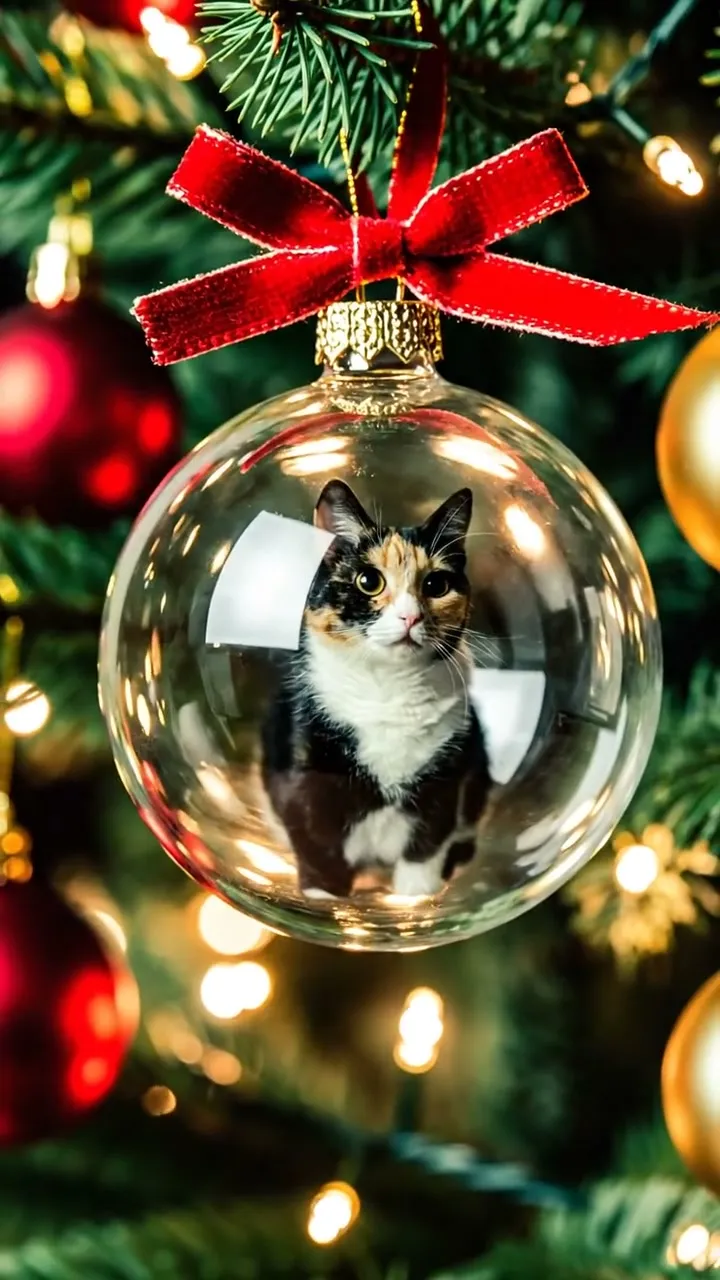 AI Christmas Ornament Video TemplateNewThe camera pulls back to show your pet or product inside a glass ornament on a lit tree, in vertical 9:16.13 credits per clipView template
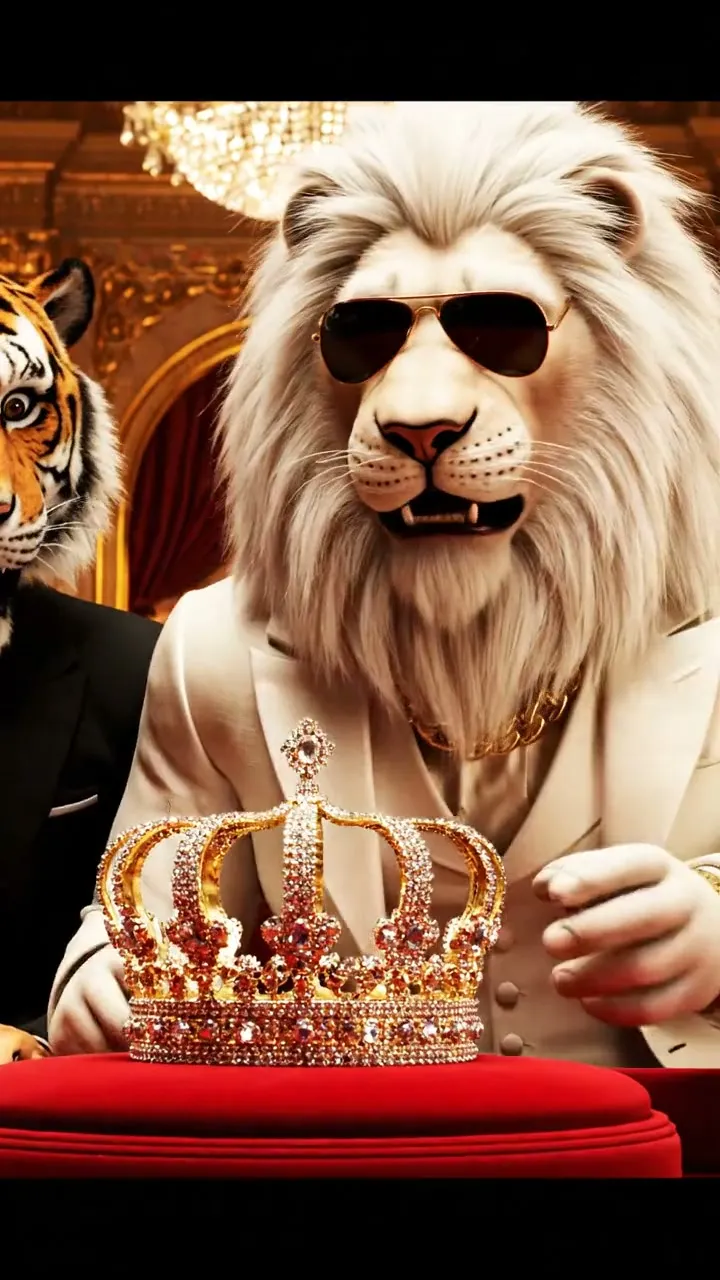 AI Sheru Bhai Video TemplateNewA white-lion boss in an ivory suit outbids a tiger rival and takes the crown, in vertical 9:16.13 credits per clipView template
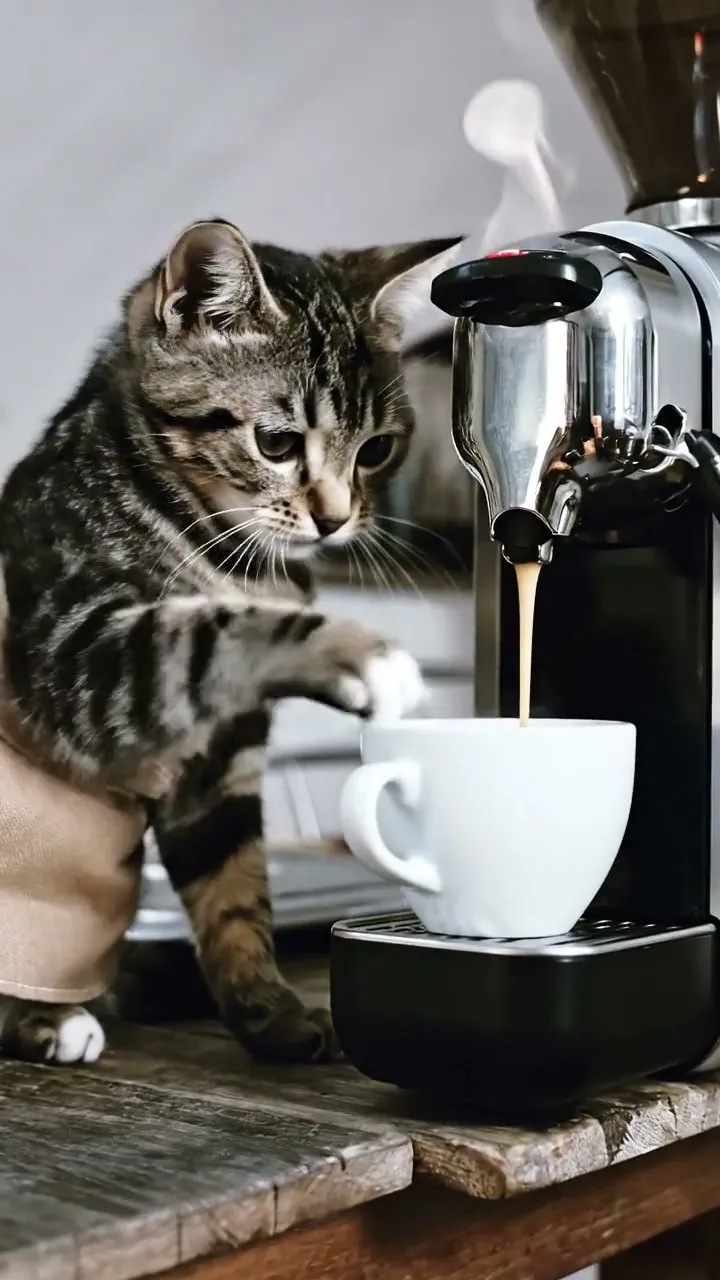 Cat Making Coffee Video TemplateYour cat in a tiny apron at an espresso machine as the coffee pours, in vertical 9:16.13 credits per clipView template
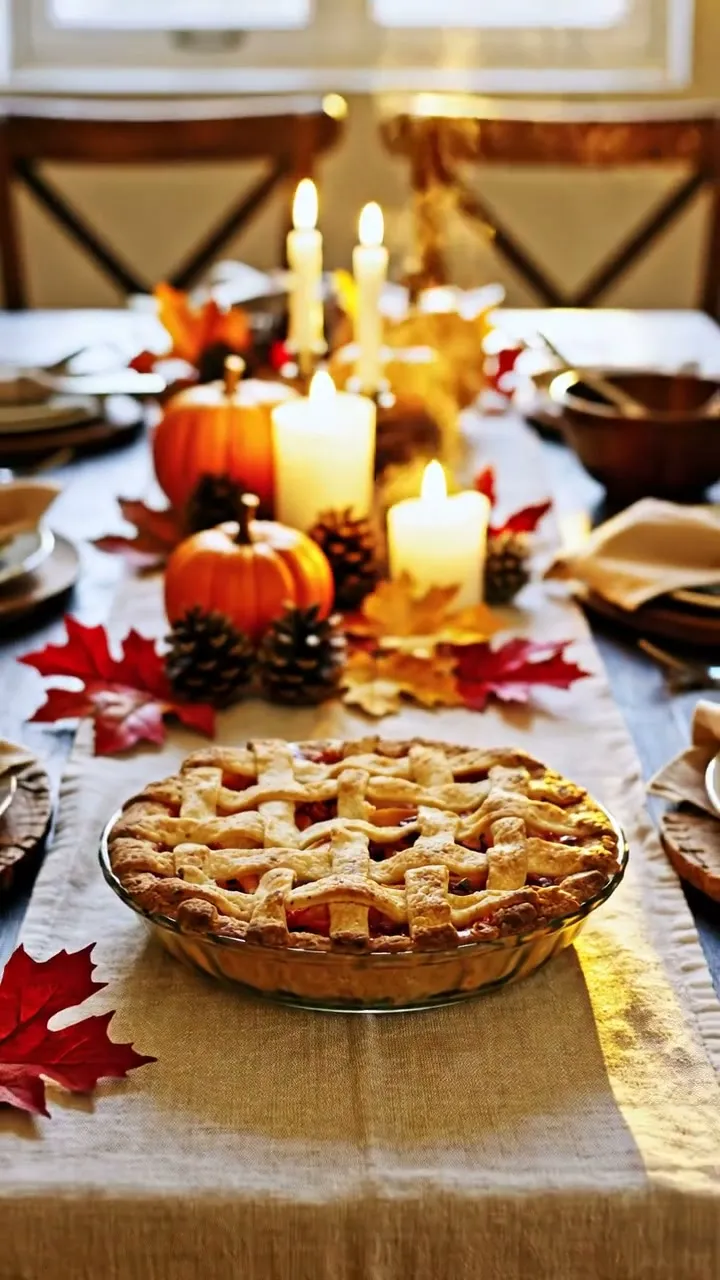 Thanksgiving Video TemplateYour dish on a candlelit Thanksgiving table with pumpkins and autumn leaves, in vertical 9:16.13 credits per clipView template
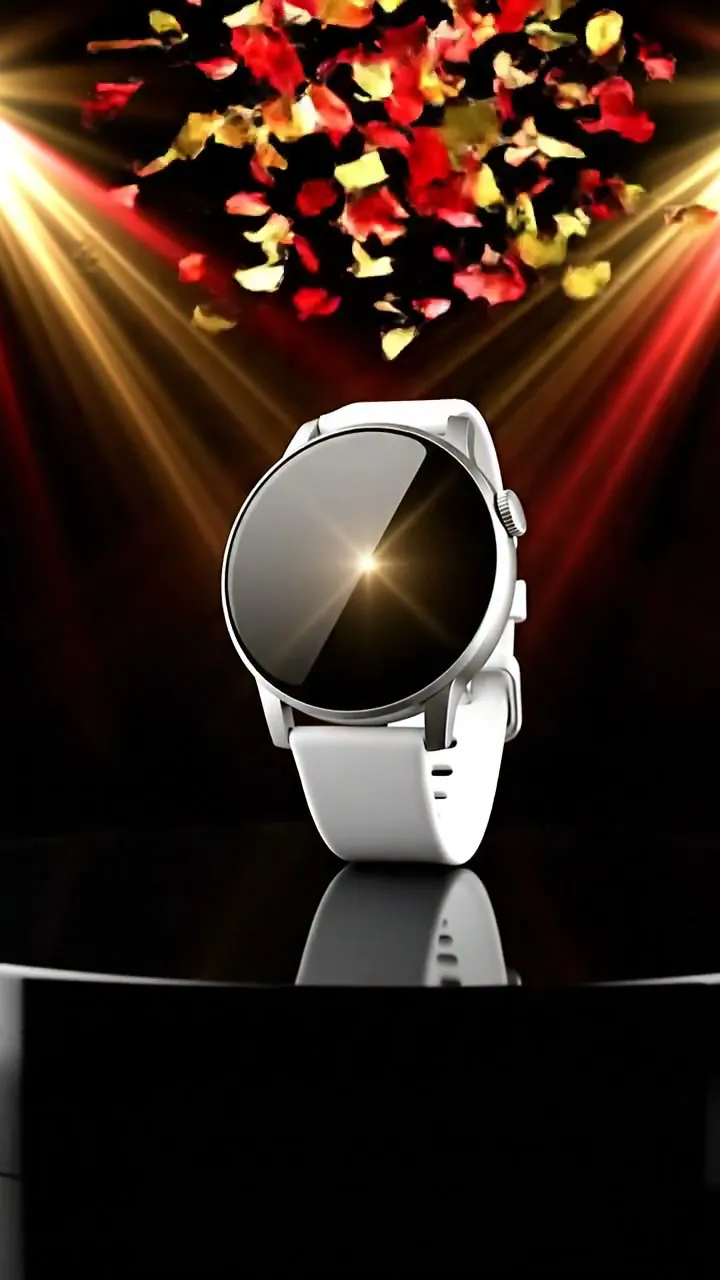 Black Friday Video TemplateYour product on a black pedestal under sweeping spotlights and confetti, vertical 9:16.13 credits per clipView template
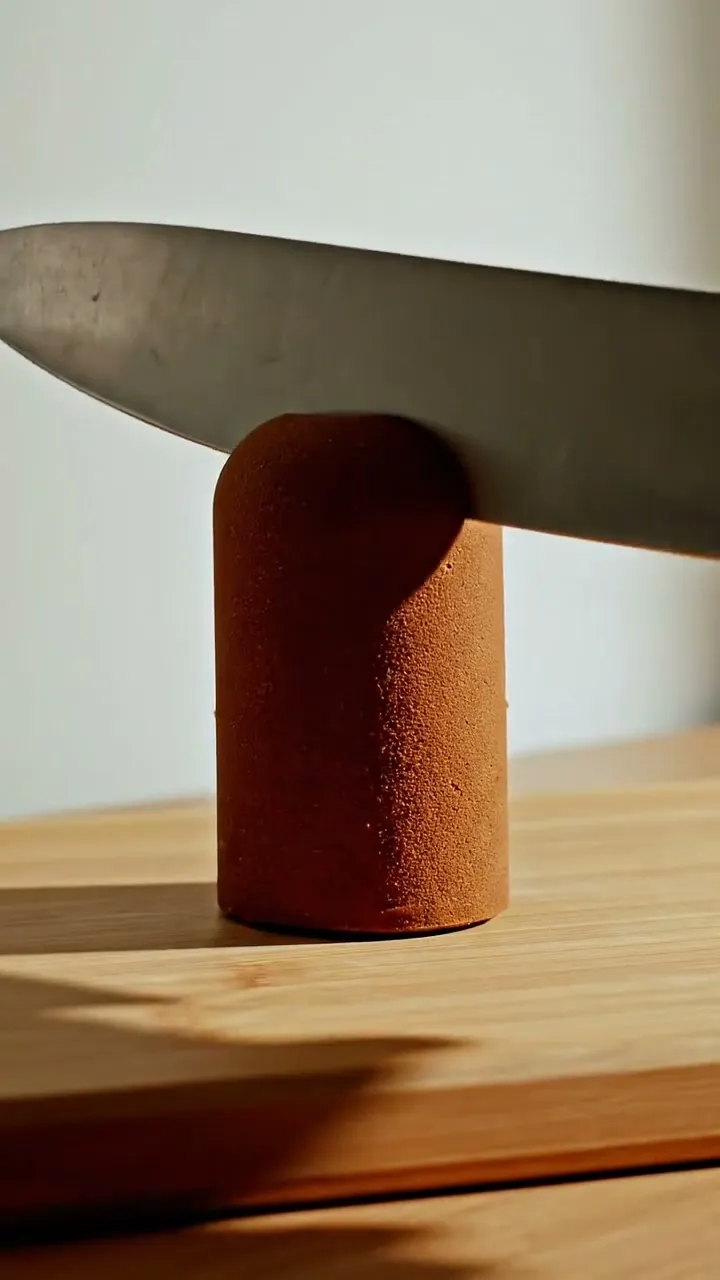 Cake Reveal Video TemplateA knife slices your object in half and it turns out to be cake, in vertical 9:16.13 credits per clipView template