Thanksgiving Video Template
The Thanksgiving Video Template turns one photo of a dish, such as a pie or a roast, into a vertical 8-second holiday clip: your photo blends into a candlelit Thanksgiving table with small pumpkins, pinecones and autumn leaves, then the camera slowly pulls back to show the set table and empty chairs. It runs on Veo 3.1 in 9:16 with sound and costs 13 credits (about $0.69). Use it for a bakery or restaurant post, or a family greeting.
Updated 2026-11-04 · Alex Xu, founder of Kensa
Example made with this template
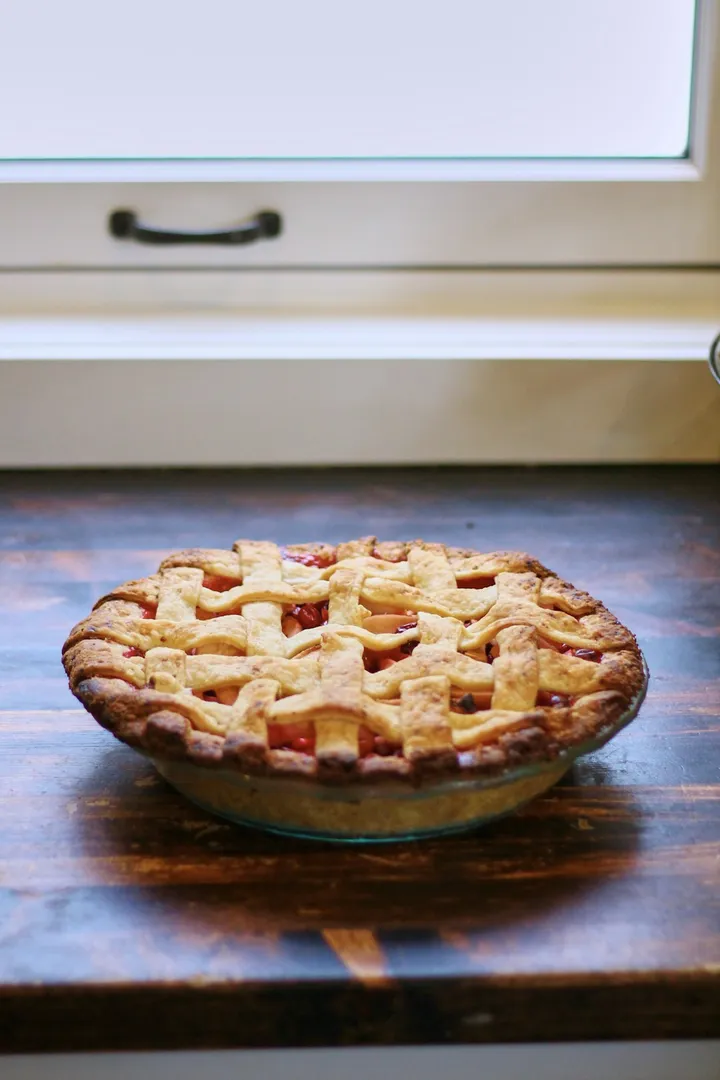
Input photo
Which photo works best?
Use a sharp photo of one dish on its own, taken from the side or at a slight angle rather than straight down, with a little of the table visible around it. Food on a plain table or counter works best, because the model adds the decorations around it. Leave people and hands out of the photo: the video models reject photos of real people.
How do I use the Thanksgiving Video Template?
- 1
Upload your photo
Drop a photo of your dish into the upload box above, or click “Use this template” and upload it on the image-to-video page. The Thanksgiving prompt, model, length and vertical aspect ratio are filled in for you.
- 2
Check the prompt
The prompt calls your food “the dish from the photo”. If you're showing a cake, a drink or a gift box, name it, and remove the steam line for anything that isn't warm food.
- 3
Generate and check
Generate the clip and watch the first second: the photo blends into the decorated table rather than cutting, and the dish should still look like yours.
- 4
Download and post
Download the MP4 and add your “Happy Thanksgiving” text or offer in your editor before posting.
How can I make it my own?
- Shoot the dish from the side at table height, like the example. A straight-down photo gives the model no table to extend, so the pull-back looks less natural.
- Plain backgrounds blend best. If your photo already has autumn decorations, keep them and remove the matching ones from the prompt so nothing appears twice.
- Describe your own setting, such as “a long farmhouse table”, “a small table for two” or “a bakery counter”, and keep “No people, no hands” in the prompt.
- Add text such as “Happy Thanksgiving” or your opening hours in your editor afterwards, not in the prompt: generated lettering often comes out garbled.
What prompt does this template use?
This is the prompt filled into the generator. Edit it freely before you generate.
The dish from the photo sits at the center of a Thanksgiving table. The camera makes one slow, smooth pull-back that reveals the warmly decorated table around it: lit candles, small orange pumpkins, pinecones and red and gold autumn leaves on a linen table runner, with more dishes and empty wooden chairs softly blurred in the background. Soft golden-hour light glows through the window and a thin wisp of steam rises from the food. Keep the dish's shape, colors and details exactly as in the photo. Warm, cozy, cinematic lighting. No people, no hands, no text or logos.
Frequently asked questions
When is Thanksgiving 2026, and when should I post?
In the US, Thanksgiving is the fourth Thursday of November: Thursday, November 26, 2026. Make the clip a few days early so there is time to regenerate if the first result isn't right.
Does the scene change suddenly at the start?
In our example the photo blends into the decorated table over about a second instead of cutting, and the rest of the clip is one smooth pull-back. The clip always starts from your exact photo, so the more your photo differs from a dining table, the more noticeable that blend is.
Will my pie still look like my pie?
Mostly. In the example the lattice crust and filling stay recognisable, though the pattern shifts slightly during the blend. Check the result and regenerate if your dish doesn't look right.
Can I use a product instead of food?
Yes, for example a candle, a gift box or a bottle. Change “the dish” to the product's name and delete the steam line. Avoid photos where the label or packaging text is the point: generated text and logos can come out distorted.
How much does one Thanksgiving clip cost?
Each clip costs 13 credits (about $0.69), with sound included. New accounts created with Google sign-in get free credits to try it first.
Related templates
- Christmas Product Video TemplateYour product on a snowy table under fairy lights, in vertical 9:16.
- Black Friday Video TemplateYour product on a black pedestal under sweeping spotlights and confetti, vertical 9:16.
- Cake Reveal Video TemplateA knife slices your object in half and it turns out to be cake, in vertical 9:16.
Latest templates
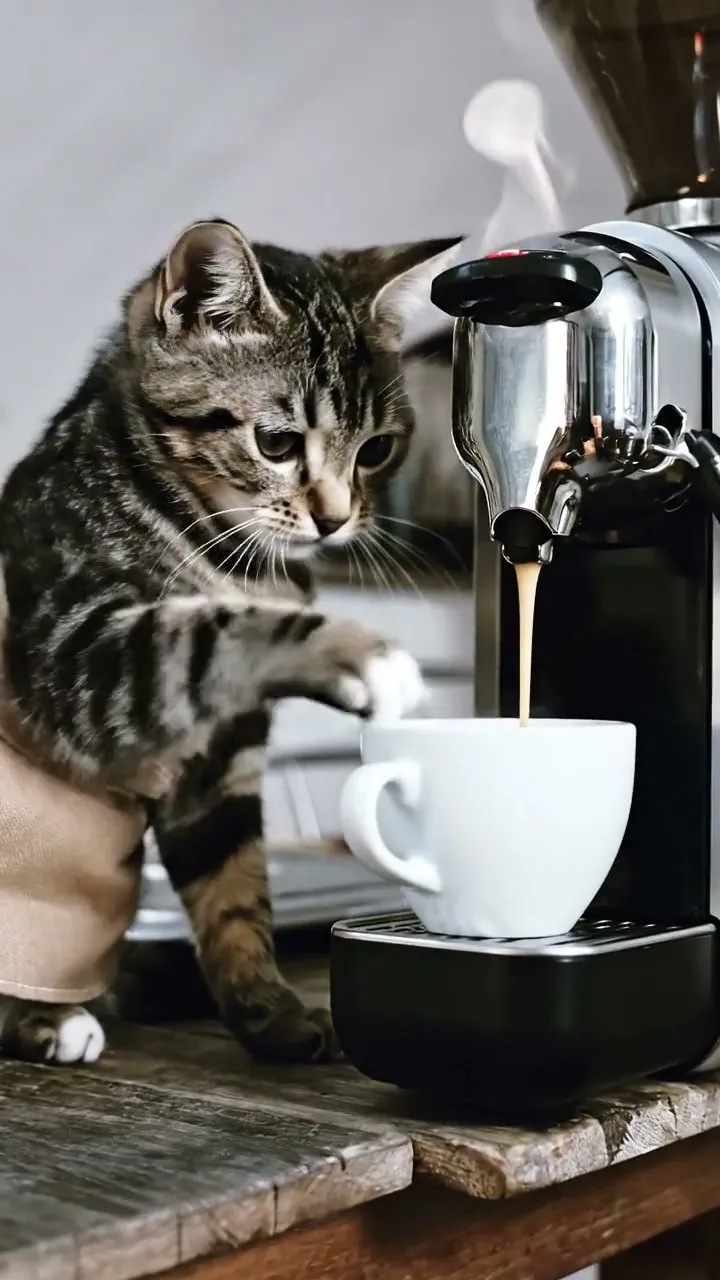 Cat Making Coffee Video TemplateNewYour cat in a tiny apron at an espresso machine as the coffee pours, in vertical 9:16.13 credits per clipView template
 Black Friday Video TemplateNewYour product on a black pedestal under sweeping spotlights and confetti, vertical 9:16.13 credits per clipView template
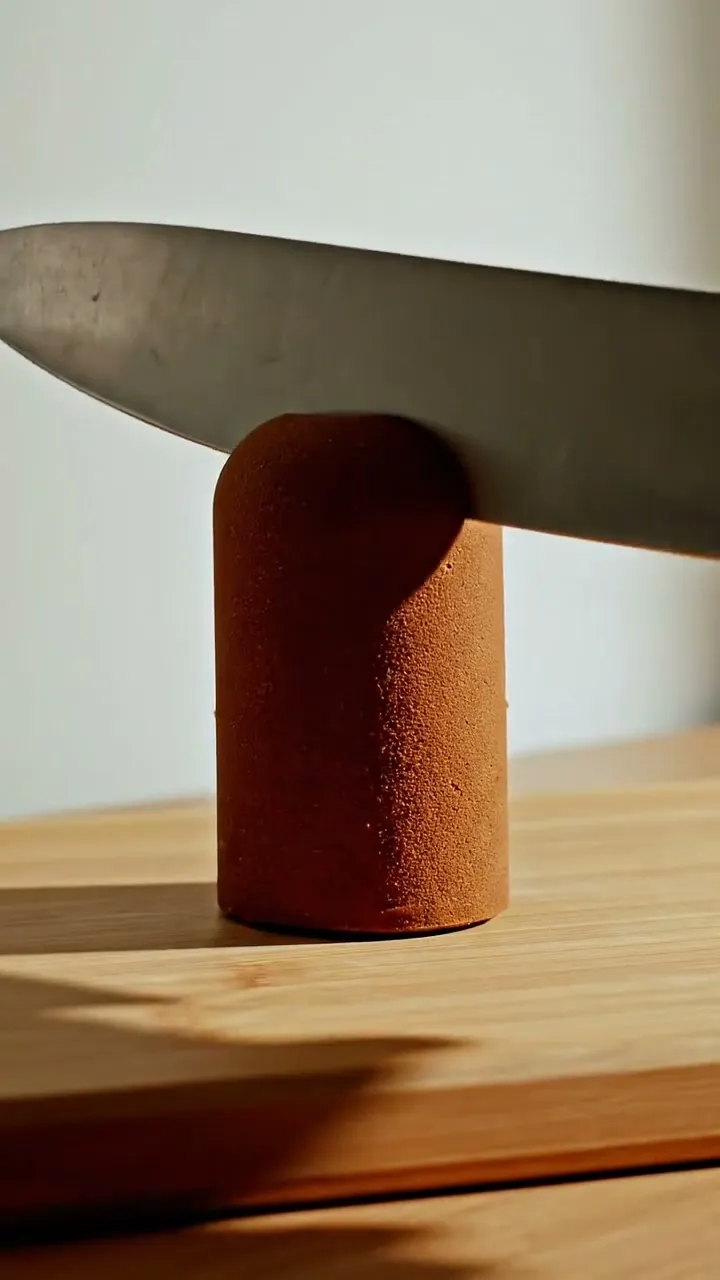 Cake Reveal Video TemplateNewA knife slices your object in half and it turns out to be cake, in vertical 9:16.13 credits per clipView template
 Christmas Pet Video TemplateNewYour pet in a red scarf by a glowing tree, snow outside, in vertical 9:16.13 credits per clipView template
 Christmas Product Video TemplateNewYour product on a snowy table under fairy lights, in vertical 9:16.13 credits per clipView template
 Earth Zoom Out Video TemplateNewFrom your photo straight up through the clouds to the whole planet, in vertical 9:16.13 credits per clipView template